Self-publishing an AI-written book is no longer a hack-it-together project. The pipeline — idea, outline, draft, edit, format, cover, distribute — is the same one traditional self-publishers use; AI just collapses the timeline from months to days.
This guide walks the full workflow inside BookBud.ai, from a blank project to a live listing on Amazon, Apple Books, Kobo, and other retailers via SelfPublishing.pro. Expect 4–8 hours of focused work for a 30,000-word nonfiction book, longer if you're doing fiction with heavy revision.
1
Before you start: what "self-publishing an AI book" actually means
You're doing three jobs that used to be three different companies:
Author — direction, judgment, final edit. AI drafts; you decide.
Distributor — getting the finished file onto Amazon KDP, Apple Books, Kobo, Barnes & Noble, and so on.
BookBud handles drafting and export. SelfPublishing.pro (one-click from inside BookBud) handles the distributor step. You stay in charge of the publisher decisions — title, cover direction, pricing.
2
Step 1: Start a new project and pick Fiction or Nonfiction
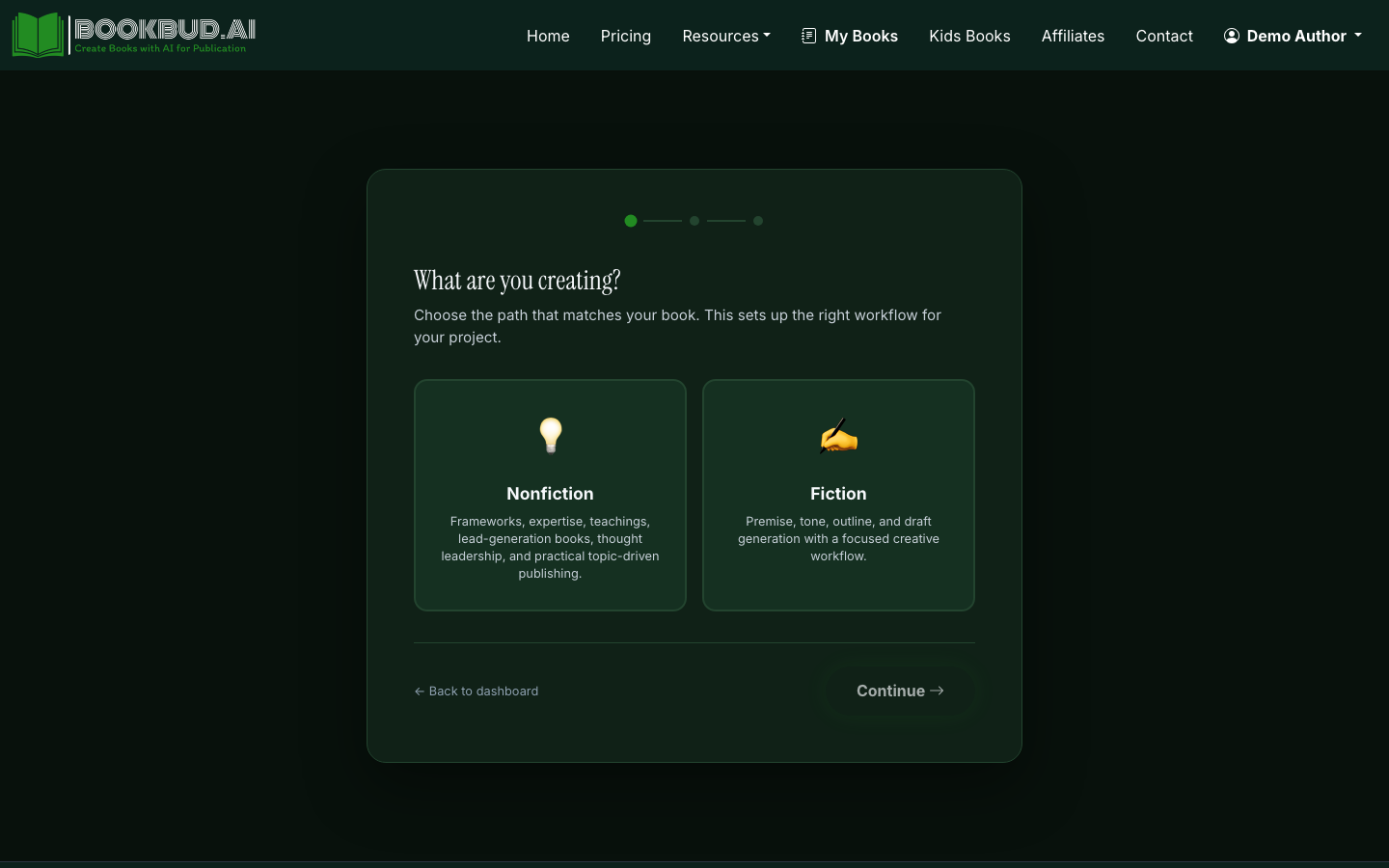
From the dashboard, click New Project. Choose Fiction or Nonfiction — this isn't cosmetic. Fiction unlocks the story-arc controls (rising action, climax, wrap-up) and character/setting fields. Nonfiction unlocks the verified-citations toggle and the AI Idea Generator that proposes chapter angles from a topic.
Choose Fiction or Nonfiction when starting a new project
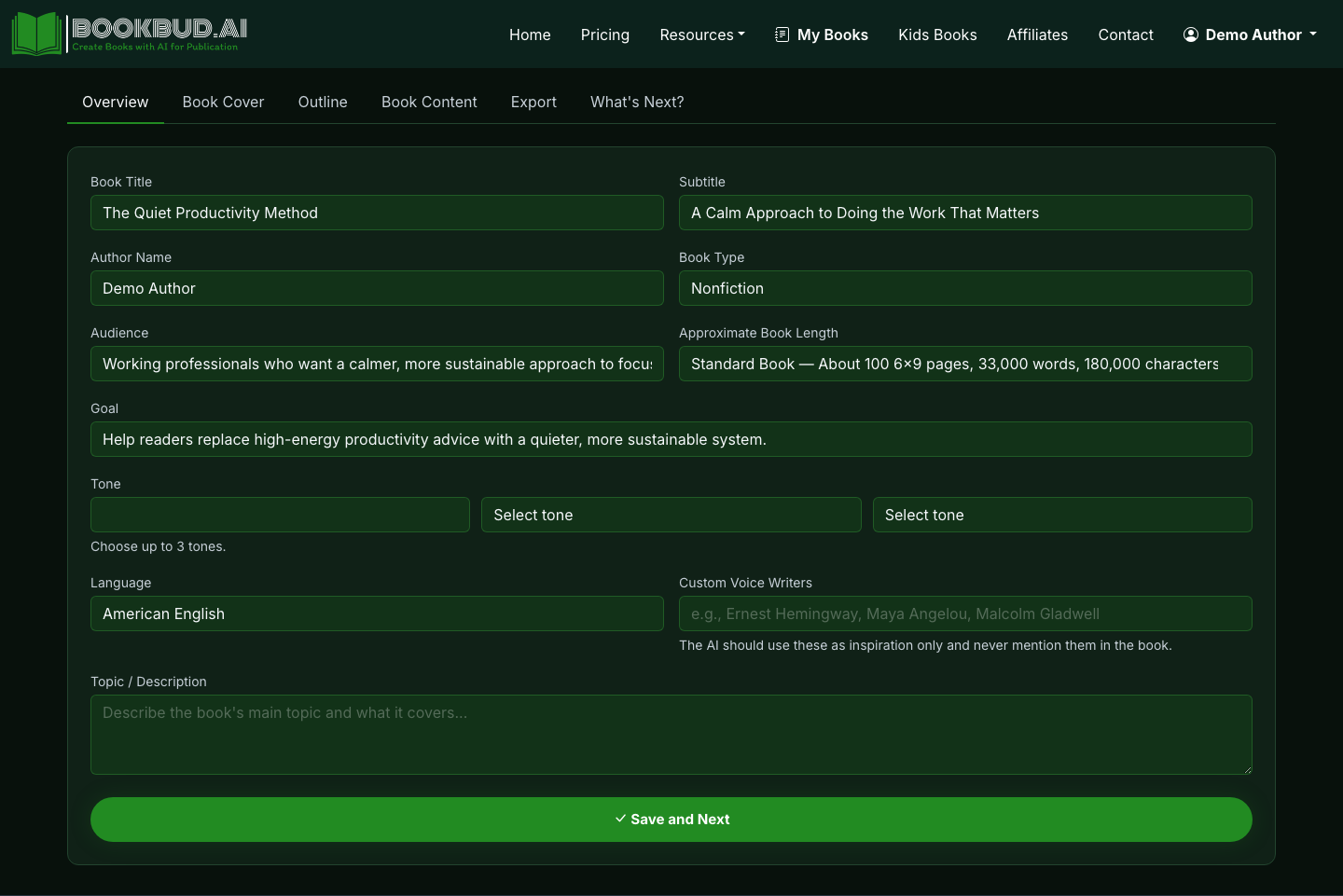
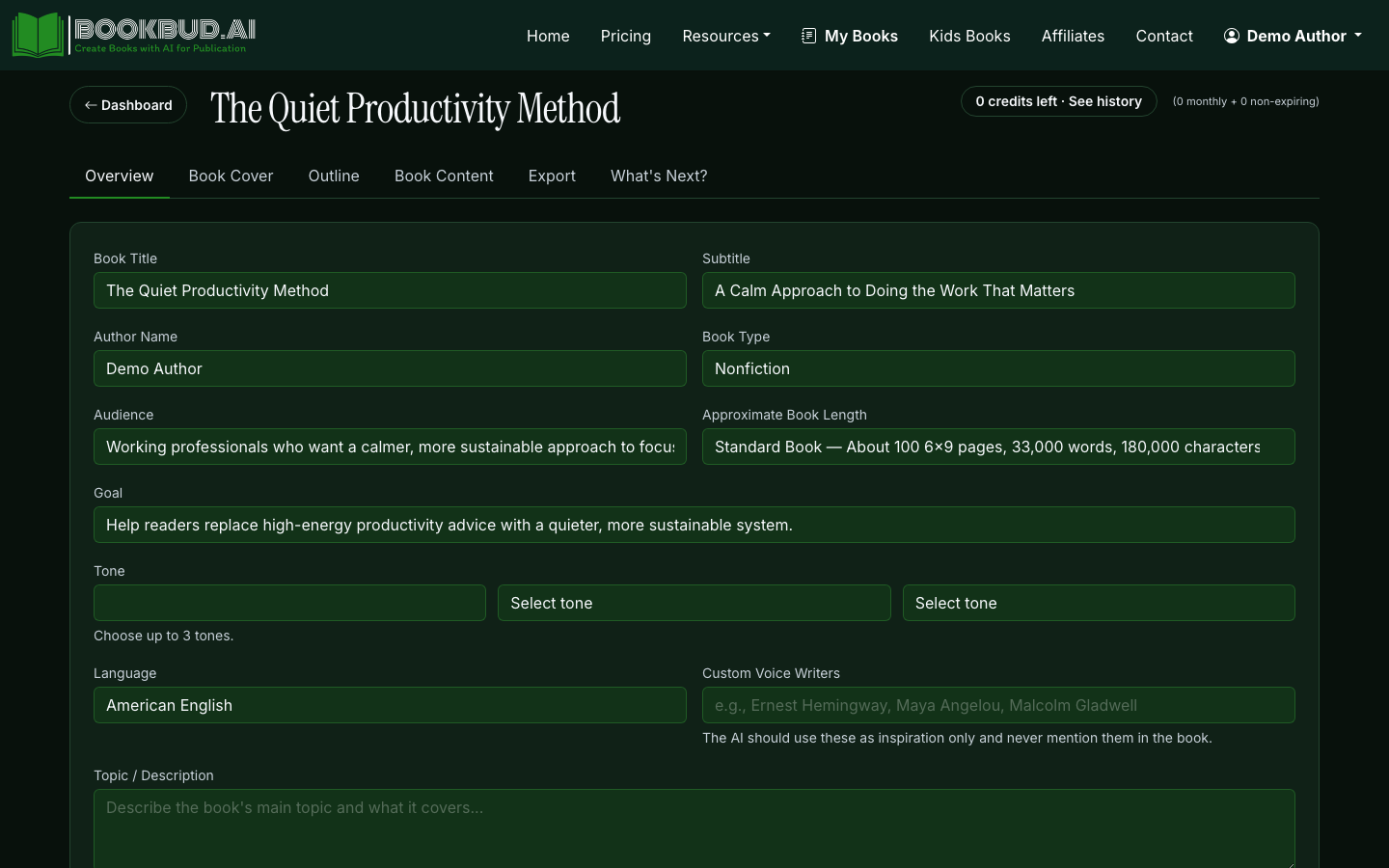
Set title, target length (a 25,000-word book is ~100 pages print; 50,000 is ~200), tone, and style. Don't agonize — these are editable later.
3
Step 2: Generate the outline before any prose
A bad outline produces a bad book no matter how good the drafting model is. Generate the chapter outline first and read it like an editor: does each chapter earn its place? Are there obvious gaps? Reorder, rename, and delete freely before you spend credits on prose.
Section-by-section. Slower, but you catch drift early and can steer the next section based on what the last one produced.
Generate Full Book. One click, walks the whole outline. Best when your outline is tight and you trust the tone settings.
Generate Full Book runs the whole outline in one pass
For a first book, draft section-by-section for the first 3 chapters, then run Generate Full Book on the rest once you're confident the voice is right.
5
Step 4: Edit in the Quill editor — actually edit
This is the step that separates a book worth selling from AI slop. Read every section. Cut filler sentences. Rewrite anything that sounds like a model hedge ("It's important to note that...", "In conclusion..."). Add a personal anecdote or specific example to every chapter — that's what AI can't fake and what readers remember.
6
Step 5: Generate or upload a cover
Use the AI cover generator with a style preset, or upload your own. The cover is doing 80% of your marketing on a retailer thumbnail — get it right.
Title legible at 200px wide (the Amazon thumbnail size)
Genre cues match the category you'll publish into
No AI-generated hands or text-in-image artifacts
7
Step 6: Export and proof the file
Export EPUB and PDF from the project page. Open the EPUB in Apple Books or Calibre and read the first chapter on your phone. You will spot formatting issues (orphaned headings, weird spacing) that were invisible in the editor.
Export EPUB, PDF, DOCX, or ZIP from the project page
8
Step 7: One-click distribute via SelfPublishing.pro
From the project page, hit Distribute. SelfPublishing.pro takes the EPUB plus your metadata (title, author, blurb, categories, price) and pushes it to Amazon KDP, Apple Books, Kobo, Barnes & Noble Press, and Google Play Books. For print, DocToPrint handles the interior PDF and routes to print-on-demand.
One-click distribution to retailers and print-on-demand
Approval times vary: Amazon usually clears in 24–72 hours, Apple in 1–3 days, Kobo same-day, Google Play up to a week.
9
Step 8: Set up the basics that actually move copies
The book being live isn't the finish line. Before you tell anyone:
Pick two BISAC categories that fit and aren't the most competitive bestseller lists
Write seven backend keywords using long-tail phrases real readers search
Price between $2.99 and $9.99 to qualify for the 70% royalty band on Kindle
Get 5–10 honest reviews from your network in the first two weeks
How do you self-publish an AI book on Amazon without getting it taken down?
Amazon KDP allows AI-assisted books as long as you disclose AI use during upload — there's a checkbox for AI-generated text, images, and translations. The takedowns you've heard about are almost always for content policy violations (low quality, duplicate, or copyright issues), not for using AI per se. Edit the draft heavily, write an original cover and blurb, and answer the AI disclosure question honestly. If you distribute through SelfPublishing.pro from BookBud, the AI disclosure is carried through to KDP automatically.
How do I publish a book with AI if I've never self-published before?
Start with one platform end-to-end before you try to be everywhere. Use BookBud to outline, draft, edit, cover, and export an EPUB, then distribute through SelfPublishing.pro — that one click puts you on Amazon, Apple, Kobo, Barnes & Noble, and Google Play simultaneously, so you don't have to learn five separate dashboards. Budget 4–8 hours for a short nonfiction book the first time. Your second book takes half as long because the publishing decisions (categories, pricing, blurb format) carry over.
Do I need an ISBN to self-publish an AI-written book?
Not for ebooks on most retailers — Amazon, Apple, Kobo, and Google Play will assign their own internal identifier. You do need an ISBN for print-on-demand distribution and for any bookstore listing. In the US, ISBNs come from Bowker (about $125 for one, $295 for ten). Some POD services including DocToPrint can assign a free ISBN, but that ISBN lists the service as the publisher of record, which can matter if you ever want to move the book elsewhere.
How long does it take to self-publish a book written with AI?
Drafting a 25,000-word nonfiction book in BookBud takes 30–90 minutes of generation time. Realistic total: 4–8 hours including outline review, human editing, cover, and metadata. Add 1–3 days for retailer approval after you hit distribute — Amazon typically clears in 24–72 hours, Apple 1–3 days, Kobo same-day. Fiction usually takes longer because plot and character consistency need more revision passes than a how-to book.
How much does it cost to self-publish an AI book?
The variable costs are AI generation credits, distribution, and any extras you choose. BookBud's 25,000 free signup credits cover one short book; Starter at $19/month or Publisher Basic at $49/month covers a steady output. SelfPublishing.pro distribution is free with AuthorPass for BookBud subscribers. Optional spend: ISBN ($125), human proofread ($150–$400), and paid cover design if you skip the AI cover. A first book can ship for under $50 total; a polished one with paid editing runs $300–$600.
Can I publish the same AI book on multiple retailers at once?
Yes — going wide (non-exclusive) is the default with SelfPublishing.pro, which pushes one EPUB to Amazon, Apple, Kobo, Barnes & Noble, and Google Play. The tradeoff: you can't enroll in Kindle Unlimited, which requires Amazon exclusivity. Most AI-published nonfiction does better wide because the audience is search-driven and platform-agnostic. Series fiction often does better in KU for the page-read royalties. Pick based on your genre, not a default rule.
How can AI help me write faster? Concrete tactics that cut drafting time 5–10x without flattening your voice. Frameworks, examples, and tradeoffs inside.