Before you start: decide what you're actually writing
AI is fastest when you give it constraints. "Write me a book about productivity" produces generic slop. "Write a 30,000-word nonfiction guide for freelance designers on pricing projects, in a direct second-person tone" produces something usable on the first pass.
Before you open any tool, lock in four things:
- Genre or category — fiction subgenre (cozy mystery, LitRPG, contemporary romance) or nonfiction niche (B2B SaaS, parenting toddlers, sourdough baking).
- Target length — short reads land 15k–25k words, full nonfiction 35k–60k, novels 60k–90k.
- Reader and promise — one sentence describing who it's for and what they'll get.
- Tone — academic, conversational, snarky, lyrical. Pick one and stick to it.
If you're stuck on the idea itself, our walkthrough on generating book ideas with AI covers brainstorming techniques that beat staring at a blank page.
Step 1: Start a new project
From the dashboard, hit New Project and pick Fiction or Nonfiction. The two paths fork here — fiction asks for genre, characters, setting, and story arc; nonfiction asks for topic, audience, and chapter goals.
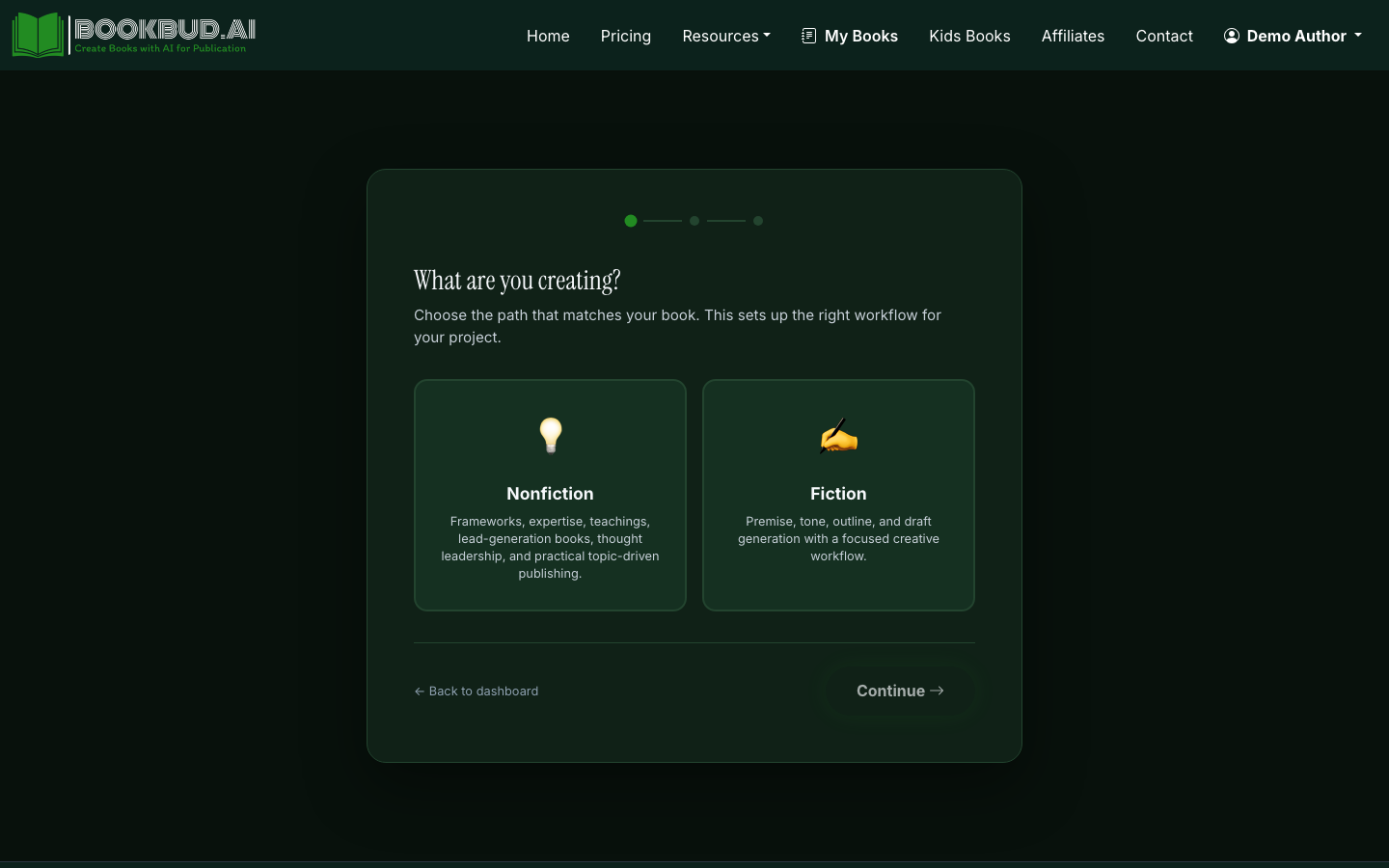
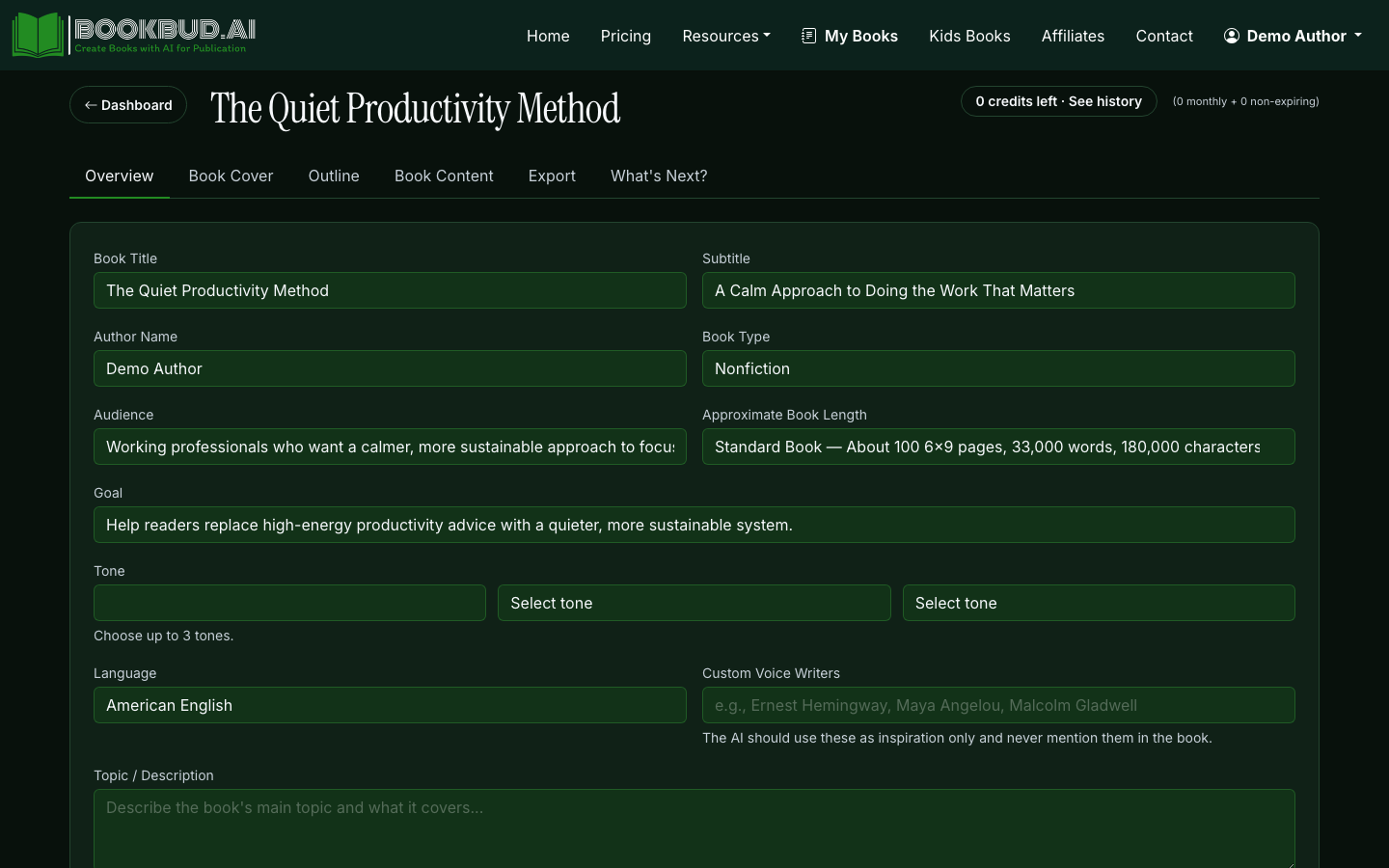
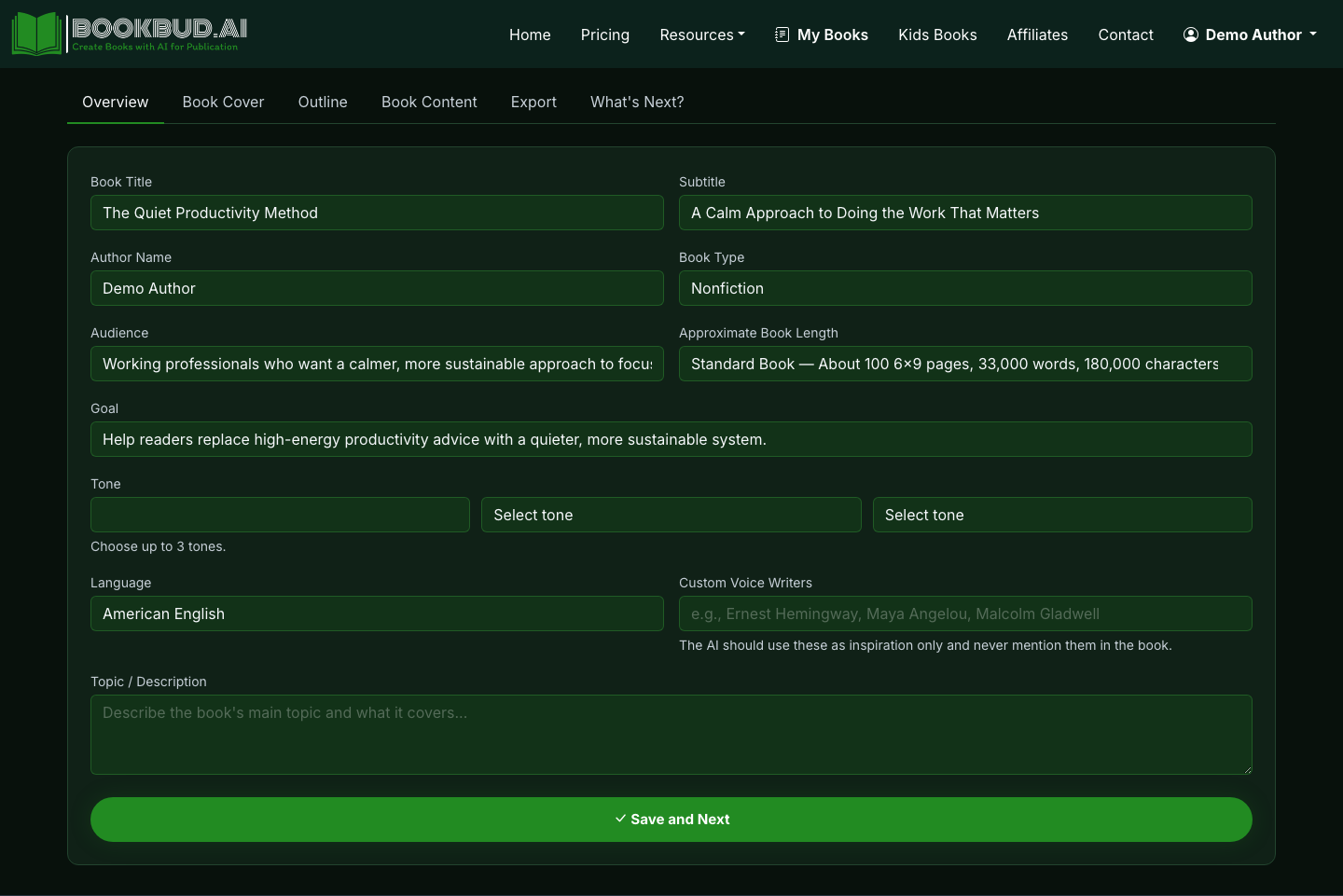
Fill in the title (you can change it later), target word count, and tone. The wizard uses these to seed every subsequent generation, so don't rush them. "Friendly but technical" produces very different prose than "authoritative and clinical."
Step 2: Generate the outline
Good AI books live or die at the outline stage. A weak outline produces 40,000 words of mush; a tight outline produces a book worth editing.
- Click Generate Outline on your project page.
- Review the chapter list. For nonfiction, check that chapters build on each other and don't overlap. For fiction, check that the story arc actually has rising tension, a midpoint shift, and a climax — not just "things happen, then end."
- Edit chapter titles and descriptions directly. Rewrite anything generic. Add chapters the AI missed. Delete chapters that duplicate others.
- For each chapter, expand into sections (subheadings for nonfiction, scenes for fiction). Aim for 800–1,500 words per section so the AI can stay coherent within each generation.
Spending an hour here saves ten hours of rewriting later. Treat the outline like a contract with the AI: every section header is a promise the draft has to keep.
For a more detailed planning pass, see how to write a book faster with chapters and sections.
Step 3: Draft section by section (or all at once)
You have two modes. Generate sections one at a time when you want control — read each draft, tweak the next prompt based on what worked. Generate the full book when you're confident in the outline and want a complete first pass to edit.
For fiction, use the continue and wrap-up controls when a scene needs more runway or needs to land. For nonfiction, toggle verified citations if you're making factual claims — the AI will source statements rather than invent statistics.
A realistic pace: 2,000–4,000 words per hour of active work, including reading the output and queueing the next section. That's how a 40,000-word draft becomes a weekend project. For more on pacing, see how AI helps you write books faster.
Step 4: Edit in the Quill editor
The rich-text editor is where AI prose becomes your prose. Three passes work well:
- Voice pass. Read aloud. Cut anything that sounds like a chatbot — "In today's fast-paced world," "It's important to note that," "Whether you're a beginner or expert." Replace with how you'd actually say it.
- Structure pass. Are sections the right length? Do paragraphs flow? Move chunks around. Cut whole sections that don't earn their place.
- Fact pass. Verify every number, name, and quote. Add specifics where the AI was vague.
Our deeper guide on editing AI-generated content breaks down patterns to watch for.
Step 5: Generate a cover
Click Generate Cover in the project sidebar and pick a style preset matching your genre. Thrillers want high contrast and tight typography; literary fiction wants restraint; nonfiction wants a clean title and a benefit-driven subtitle.
Generate three or four options. If none land, upload your own — covers from Fiverr designers ($50–$200) or Canva templates often outperform AI for genre fiction where readers expect specific visual codes.
Step 6: Export and distribute
When the book is ready, export to EPUB, PDF, DOCX, or ZIP from the project page. EPUB is your primary format for Kindle, Apple Books, Kobo, and Google Play. PDF is for direct sales or print proofs. DOCX is for editors and beta readers.
For distribution, you have two routes:
- One-click via SelfPublishing.pro — routes your EPUB to global ebook retailers without you wrestling with each retailer's dashboard. Fast path to launch.
- Manual upload — keeps full control over pricing, categories, and keywords on each platform. More work, more flexibility.
For print-on-demand, DocToPrint handles interior formatting (gutter margins, chapter breaks, page numbers) so you don't fight Word's layout engine for a weekend.
What to expect realistically
A first AI-drafted book takes most authors 20–40 hours of focused work spread over one to three weeks. The drafting is fast; the editing is the bottleneck — and that's the right place for the bottleneck to be. Quality books still need a human reading every sentence and asking "would I keep reading this?"
The authors who do well treat AI as a drafting partner, not a ghostwriter. They bring the angle, the expertise, and the taste. AI brings the typing speed.
