Before you edit: read the whole thing once
Resist the urge to fix line one before you've read chapter ten. AI drafts have a specific failure mode — they drift. Tone shifts, a character's name gets a new spelling in chapter 8, the same metaphor shows up three times in two chapters. You can only catch drift by reading straight through.
Do a single read in the BookBud editor with a notepad open. Mark structural issues only — pacing, repetition, contradiction, scenes that don't earn their place. Don't touch sentences yet.
The four-pass edit
One pass for everything is how books end up uneven. Separate concerns:
- Structural pass — chapter order, scene logic, missing transitions, redundant sections.
- Voice pass — does this sound like you (or your narrator)? AI defaults to a hedged, balanced register. Push it toward specificity.
- Line pass — sentence rhythm, weak verbs, throat-clearing openers ("It is important to note that...").
- Proof pass — typos, formatting, consistent capitalization, em-dash style.
For a 50,000-word book, budget roughly 20–30 hours across all four passes if you're working solo. Faster than that and you're skipping one.
Step 1: Open the project and pick your starting section
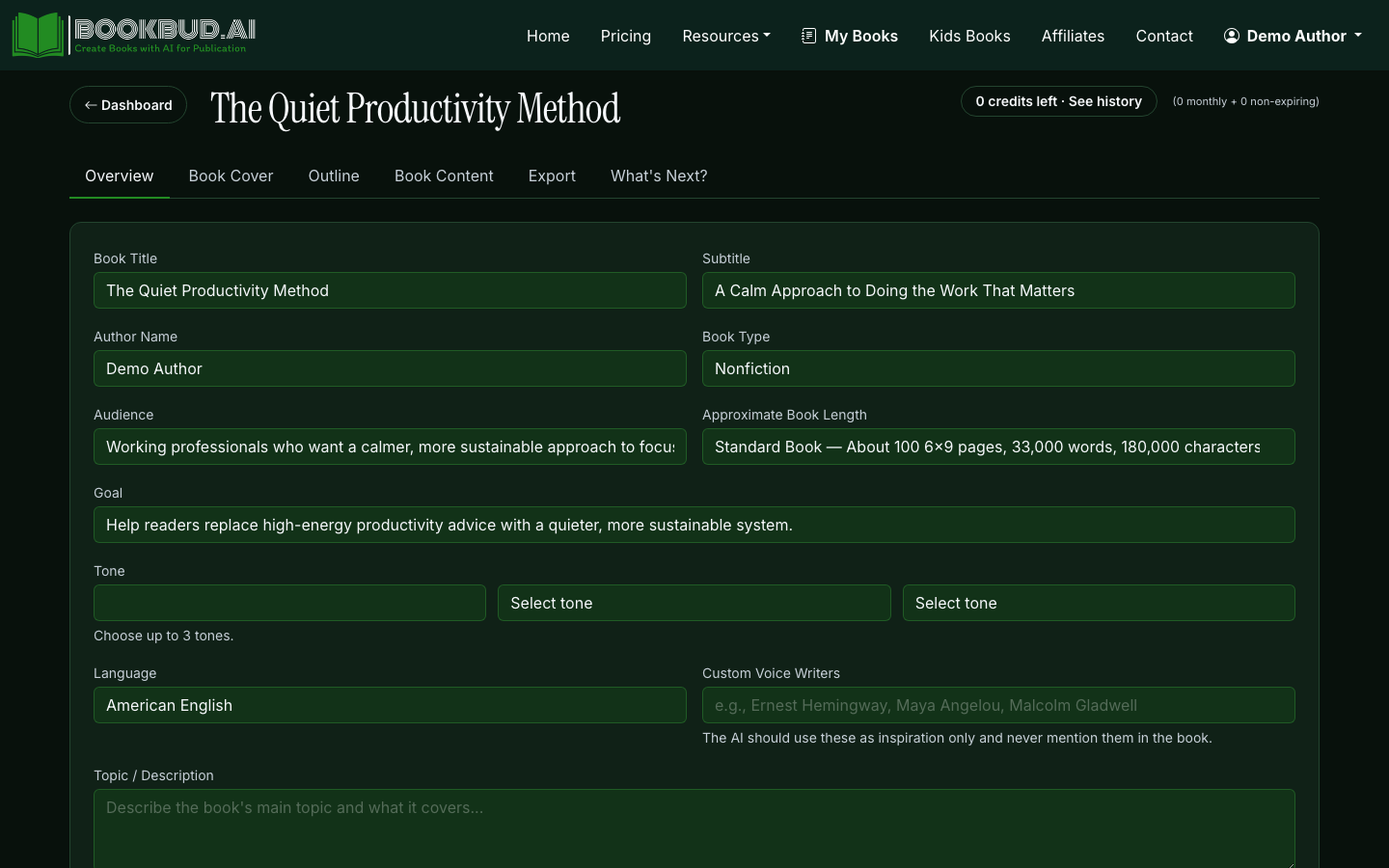
From the dashboard, open the book project you want to edit. The project view shows your outline on the left and the section editor on the right.
Click into the first section that needs work. BookBud loads the section into the Quill rich-text editor — same one you'd use in any modern doc tool. Bold, italic, headings, lists, and links all behave the way you expect.
Step 2: Decide — edit, regenerate, or rewrite from scratch
For each problem section, you have three moves and they're not interchangeable:
- Edit in place when the bones are right but the prose is flat. This is 70% of editing work.
- Regenerate the section when the structure is wrong — wrong POV, wrong scene, missed the outline beat. Use the section's regenerate control and tweak the outline note before re-running.
- Rewrite from scratch when the section is doing something the AI can't do — a deeply personal anecdote, a technical walkthrough only you know, the emotional climax. Don't fight the model on its weak spots.
Step 3: Fix voice with find-and-replace, not full rewrites
AI drafts have tells. Hunt them deliberately:
- "In conclusion," "It's worth noting," "Ultimately," "In today's world" — delete on sight.
- Tricolons ("clear, concise, and compelling") — keep one per chapter, cut the rest.
- Hedge stacks ("can sometimes potentially help") — pick one word.
- Em-dash overuse — if every paragraph has one, the model is leaning on it. Convert half to periods or commas.
A 30-minute search-and-destroy on these patterns does more for voice than rewriting paragraphs.
Step 4: Tighten pacing by cutting, not adding
AI drafts run long. They explain things twice, summarize what they just said, and end paragraphs with a restatement of the topic sentence. Cut ruthlessly:
- First sentence of a paragraph that just paraphrases the last paragraph — gone.
- Last sentence that says "This is why X matters" after you already showed why — gone.
- Adjective stacks ("a beautiful, sun-drenched, golden afternoon") — pick the strongest one.
Expect to cut 10–20% of the word count. The book gets better, not shorter.
Step 5: Fact-check nonfiction claims
If you're writing nonfiction, every concrete claim — statistics, dates, quotes, attributions — needs a human check. The verified-citations toggle in nonfiction projects helps, but it's a starting line, not a finish line.
Keep a simple spreadsheet: claim, source, verified yes/no. For a 40,000-word nonfiction book, expect 30–80 claims worth checking. Plan a full day for it.
Step 6: Run a continuity check across chapters
For fiction especially, AI loses track of details across long projects. Build a quick bible as you edit:
- Character names and one-line descriptions (eye color, age, profession).
- Place names and their spellings.
- Timeline — what happens on day 1, day 2, day 30.
- Established rules of your world (magic system, technology, internal politics).
Then do a pass with Find (Ctrl/Cmd-F) on each name and place to confirm consistency. This catches the chapter where your protagonist's last name silently changed.
Step 7: Re-export and read again
After substantive edits, export a fresh EPUB or PDF and read the whole book on a different device. New errors surface every export — trust me. Two full re-reads after editing is the floor, not the ceiling.
Step 8: Lock cover, metadata, and ship
Once the manuscript reads clean, finalize the cover and book description, then push to distribution. BookBud routes the file to SelfPublishing.pro for ebook retailers and DocToPrint for print-on-demand from the same project.
When to bring in a human editor
AI-assisted drafting plus your own editing gets you to maybe 85% of professional polish. The last 15% — the line-edit shimmer, the catching of a structural issue you've gone blind to — is what a freelance editor does. For a book you plan to actually market, budget $400–$1,200 for a copyedit. Skip it for low-stakes projects; pay for it on anything you'll promote.
For more on the full draft-to-publish flow, see our complete guide to writing a book with AI. If you're still shaping the concept, how to generate book ideas with AI covers the upstream work. And how AI helps you write faster breaks down where the time savings actually come from.
